Let's set up Nuenki
Install the extension, log in, choose a language, and you're learning as you browse.
- 1
Install the browser extension
- 2
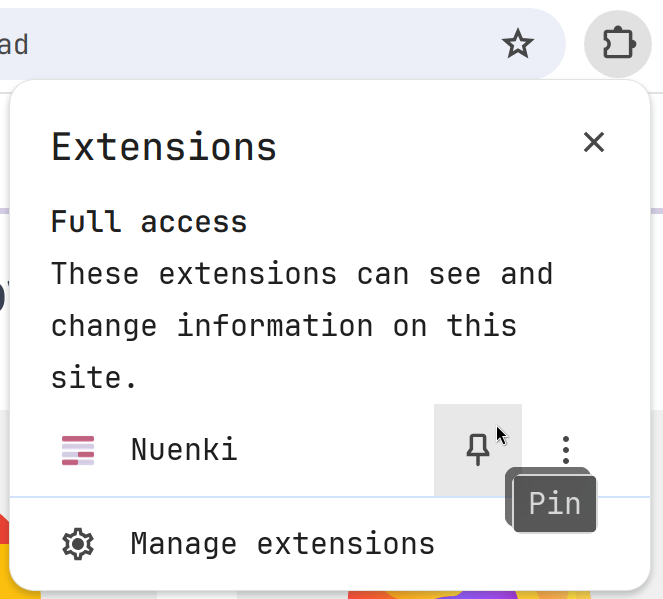
Pin the extension
Pin Nuenki to your toolbar so it's always a click away. You may need to open the puzzle-piece menu and pin it.
- 3
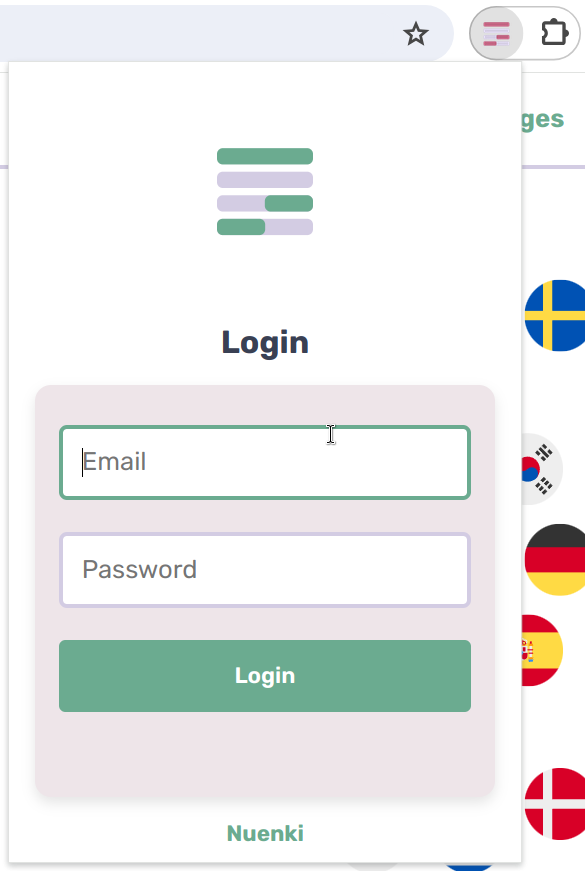
Log in
Click the Nuenki icon in your toolbar and sign in with the account you just created. If you're already signed into the website, Nuenki will log you in automatically.
- 4
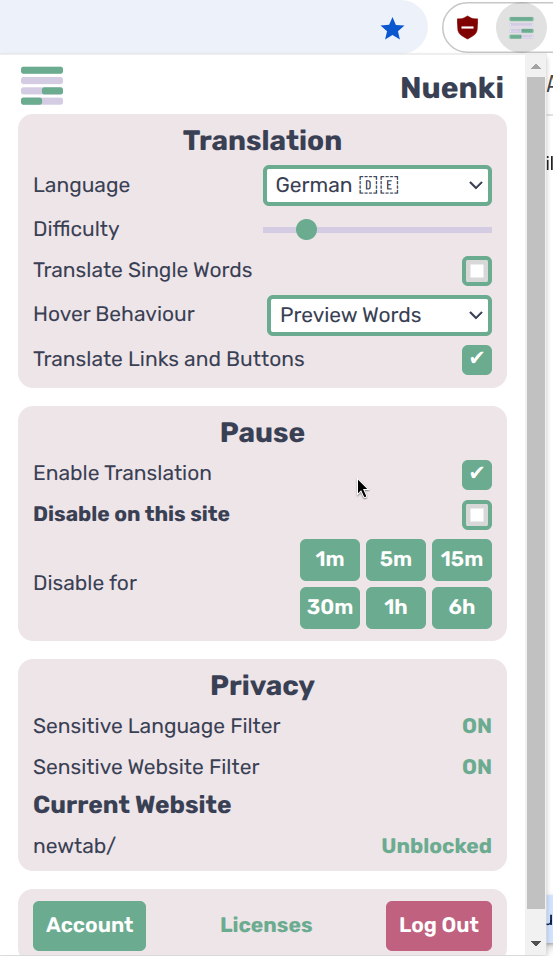
Choose your language and difficulty
Pick your target language and a difficulty that matches your level.
- 5
That's it!
Nuenki now translates sentences as you browse. Got a question or some feedback? Contact us or join the Discord.


